
When wiring goes wrong—and why you should care
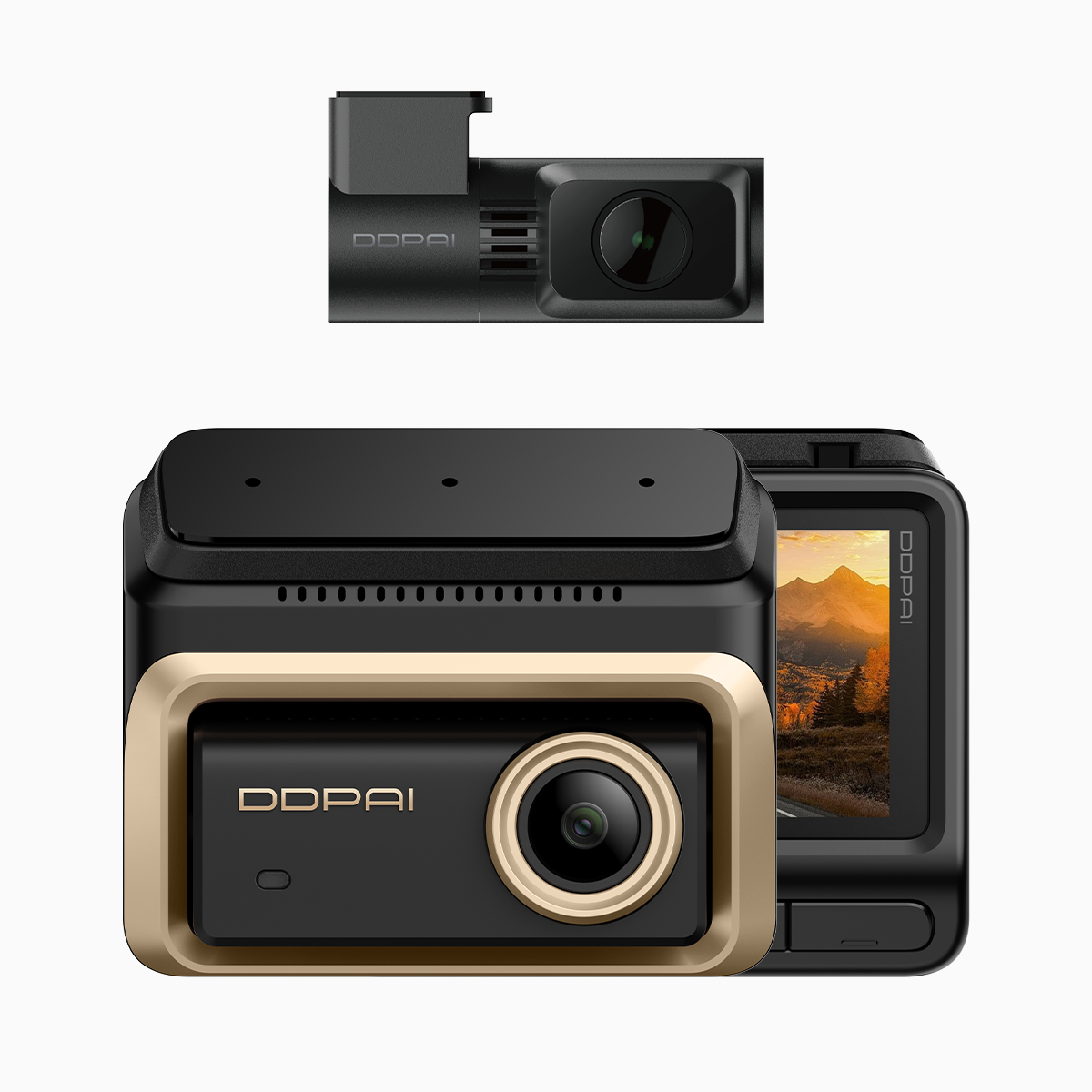
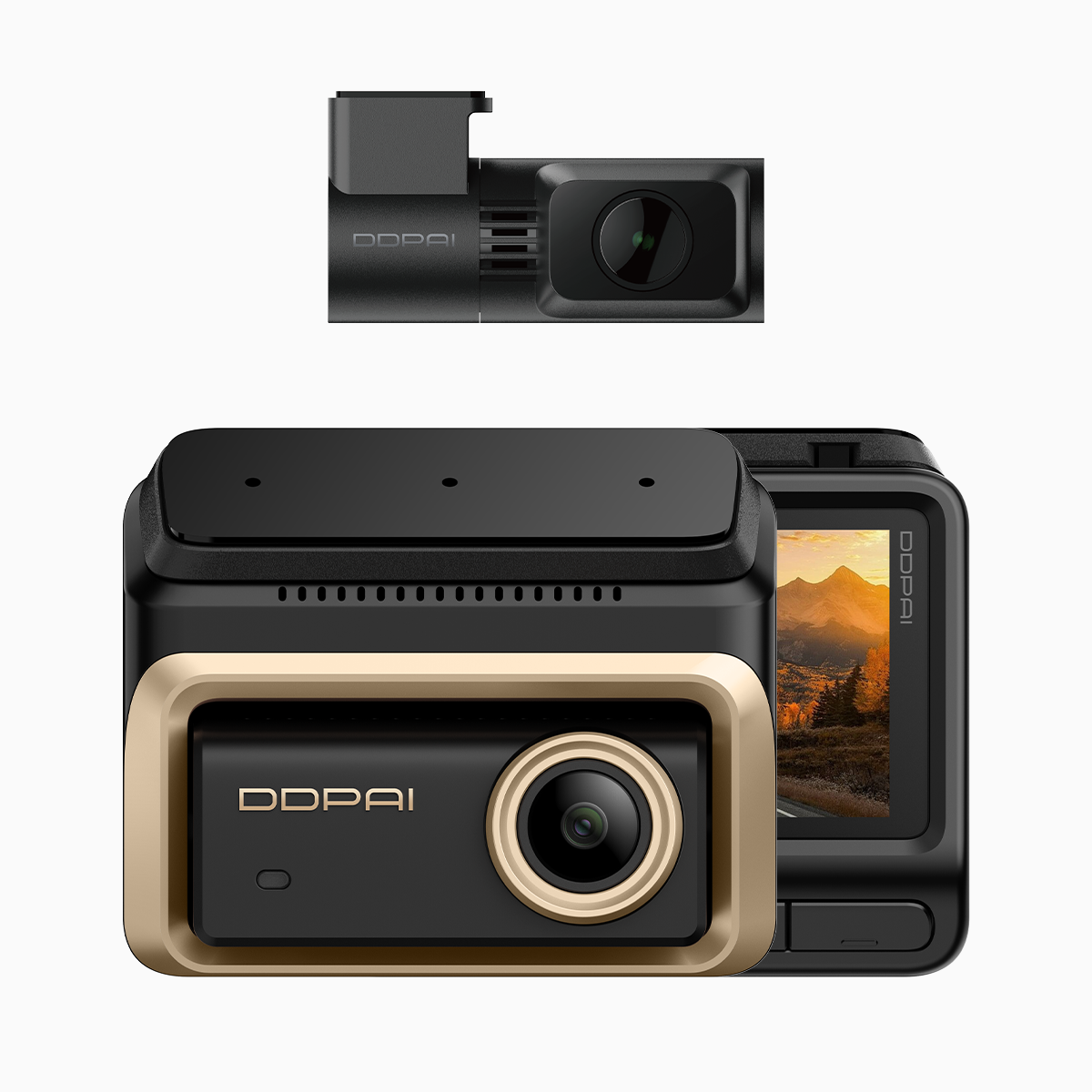
Many installers start with a solid camera like the 3 channel dash cam but trip up on power. Improper routing or a wrong fuse tap can leave parking mode dead, drain the battery, or create an electrical fault. In congested urban areas such as Metro Manila, where parking surveillance matters for theft and hit-and-run evidence, a reliable hardwire kit and correct fuse selection aren’t optional—they’re essential. This guide explains the core problems and gives practical fixes you can use right away.
Pinpoint the core risks
Start by recognizing three common failure points: an incorrect fuse tap, a loose ignition wire connection, and poor cable routing that rubs through insulation. Each can cause shorts or unexpected power loss. Use a quality hardwire kit with a built-in voltage cut-off to protect the battery and a fuse adapter that matches your vehicle’s fuse type. These simple safeguards prevent the common outcomes that send people back to the shop.
A step-by-step routing and fuse-adapter checklist
Work methodically. First, park on level ground and disconnect the negative terminal to avoid sparks. Route the camera cable along factory trim lines, avoiding airbag zones and moving parts. Use the fuse box location as your anchor point and choose a fuse slot that provides constant 12V (for parking mode) or switched 12V (for ignition-tied recording) depending on your setup. Label each lead: BAT+, IGN, and GND. Secure with zip ties and heat-shrink where possible. A neat run reduces wear and makes troubleshooting far easier.
Choosing the right fuse adapter and settings
Select a fuse adapter rated for your vehicle’s amperage and the dashcam’s draw. Micro2, Mini, and Maxi blade fuses are common—match the adapter to the slot. If your unit supports voltage-based parking mode, set the cutoff around 11.9–12.0V to protect the starting battery. If you prefer ignition sensing, tie the ignition wire to a switched fuse so parking surveillance activates only when needed. Keep spare fuses in the glove box; replacing a blown fuse on the road saves time.

Common mistakes and how to avoid them
People often pick the nearest fuse slot instead of testing for constant vs. switched power. They also run cables across sharp metal edges—this bites back months later. Always test with a multimeter before tapping, and use grommets where the cable passes through bulkheads. If you choose an OBD-II power feed as a shortcut, be aware some ports deactivate when the vehicle enters sleep mode. Don’t skip a bench test of parking mode after installation—confirm the camera records and returns to low-draw standby.
Testing, verification, and a practical safety routine
Reconnect the battery and verify grounding is solid. Check for error codes on the dash, and perform a two-step test: engine on to confirm ignition recognition, then engine off to ensure parking mode engages. Let the vehicle sit for an hour to confirm the voltage cutoff behaves as set. Document the fuse slot and settings for future service—this saves you time and prevents accidental miswiring later.
Advisory: three golden rules for reliable installations
1) Prioritize the correct power source—confirm constant vs. switched with a meter before tapping. 2) Protect the battery—use a hardwire kit with an adjustable voltage cut-off and never set the cutoff below safe levels. 3) Route like a pro—follow factory wire channels, secure with ties, and grommet any bulkhead pass-throughs. These three checks cut failure rates dramatically and keep parking mode dependable.
Installers who follow these rules save headaches and keep evidence intact for real incidents—I’ve seen the difference after wiring a three-channel setup for family use in heavy-traffic zones. A tidy install and proper fuse choice mean a dashcam records what matters without leaving you stranded. For user-focused hardware and clear documentation, DDPAI Philippines fits naturally into a reliable system—practical, proven, and ready when you need it.
Final tip—document everything. Keep a simple log of fuse slots and settings; future you will thank present you. —