
Start with the question that matters
What problem are you solving: image fidelity for a control room, consistent color for a marketing studio, or durable public displays for a transit hub? The answer drives whether you talk to consumer TV brands, pro display specialists, or an industrial monitor manufacturer. Ask that question first and keep returning to it as you compare specs and partners.
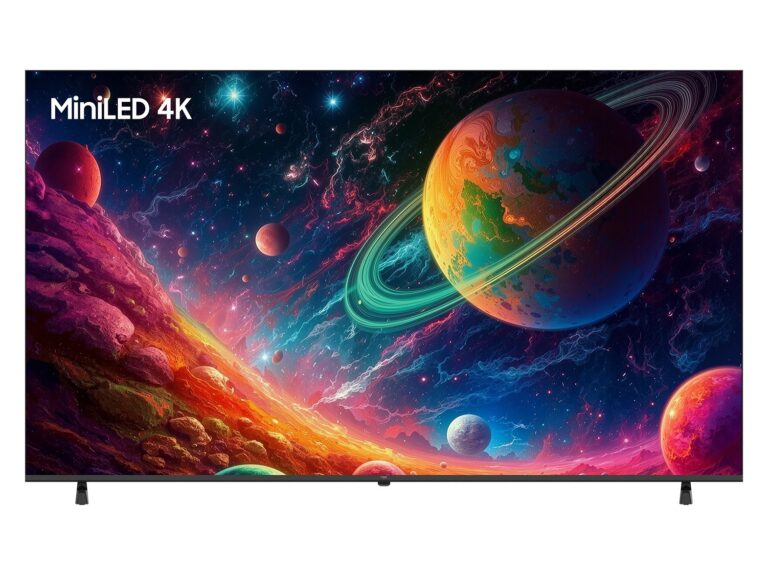
Comparative criteria that reveal trade-offs
Brightness and HDR performance improve perceived quality but raise cost and thermal demands. Color accuracy and factory calibration shorten setup time but often come with a premium service contract. Panel type (IPS, VA, OLED) affects viewing angle and contrast differently; response time matters for interactive use but is irrelevant for signage. Prioritize one or two criteria and accept compromises on the rest—this is how comparisons stop being overwhelming and start guiding procurement.
How brands diverge in practice
Consumer TV makers often lead on price-per-inch and feature sets like smart platforms, but they vary in warranty terms and long-run reliability. Professional display manufacturers focus on color consistency, unattended operation, and extended lifecycles; they usually offer calibration and tighter QC. Industrial display vendors emphasize ruggedness, extended temperature ranges, and I/O flexibility. Compare vendors by the problems they’re built to solve, not by a single spec sheet number.
Evidence, experience, and a real-world anchor
I’ve specified displays for enterprise AV and digital signage projects; that hands-on work reveals recurring patterns you won’t spot from datasheets alone. Industry showcases like CES in Las Vegas make those patterns visible—announcements there highlight who’s pushing panel innovations versus who’s selling refinements. For vendor shortlists, consult consolidated supplier lists such as best pc monitor manufacturers to cross-check model ranges, then validate with practical tests or factory reports.
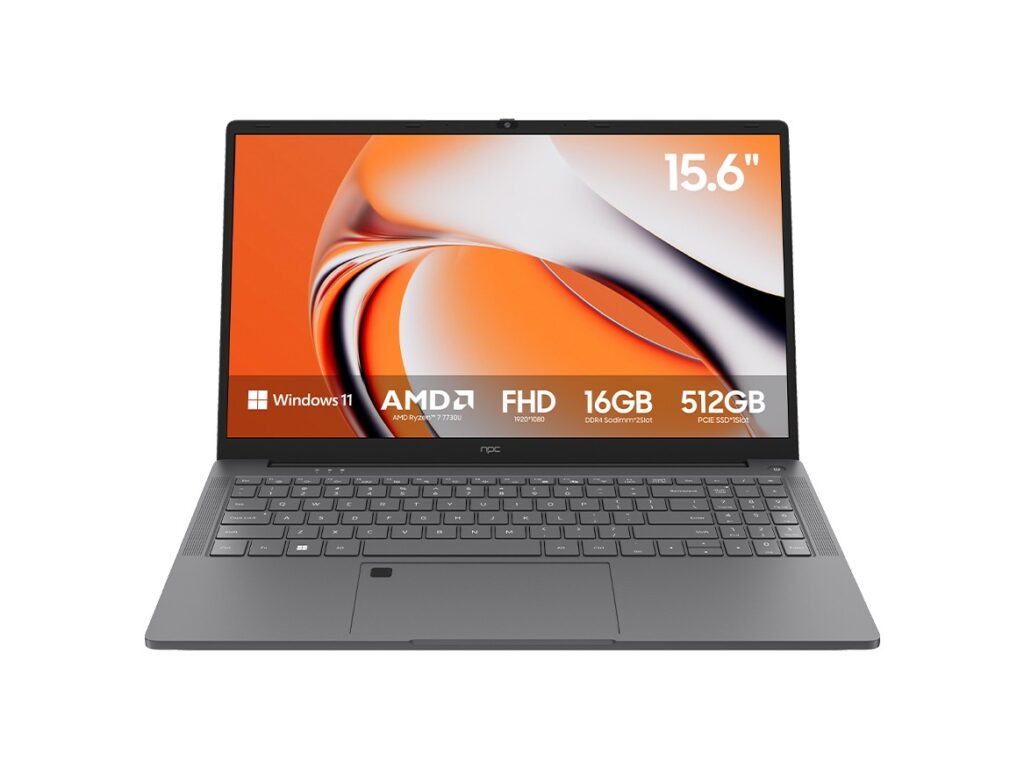
Common mistakes to avoid
Buying the highest resolution for its own sake. Ignoring service terms and on-site support. Assuming consumer warranties cover 24/7 public use. Overlooking installation constraints like mounting, ventilation, and input formats. Skip shiny specs until you’ve confirmed power, mounting, and service fit the actual installation environment.
Quick comparative checklist you can use now
1) Define the primary use-case and acceptable failure modes. 2) Rank five firm specs (e.g., luminance, color gamut, input latency, warranty length, service availability). 3) Shortlist three manufacturers that specialize where you need them. 4) Request sample units or onsite demos. 5) Verify lead times and spare-parts policies. Use measured demo data, not only vendor claims.
Final synthesis
Compare manufacturers by the problems they solve, validate claims with hands-on checks at trade events or pilot installs, and lock decisions to the service and logistics that make installations reliable. That approach points to partners who can deliver predictably—partners like npc that align product capability with real deployment needs.